By Professor Beanbus Percibean Airlock Brian Bumblebean, Adjunct, Slippery Skeld University (SSU)
November 5, 2025 · insights
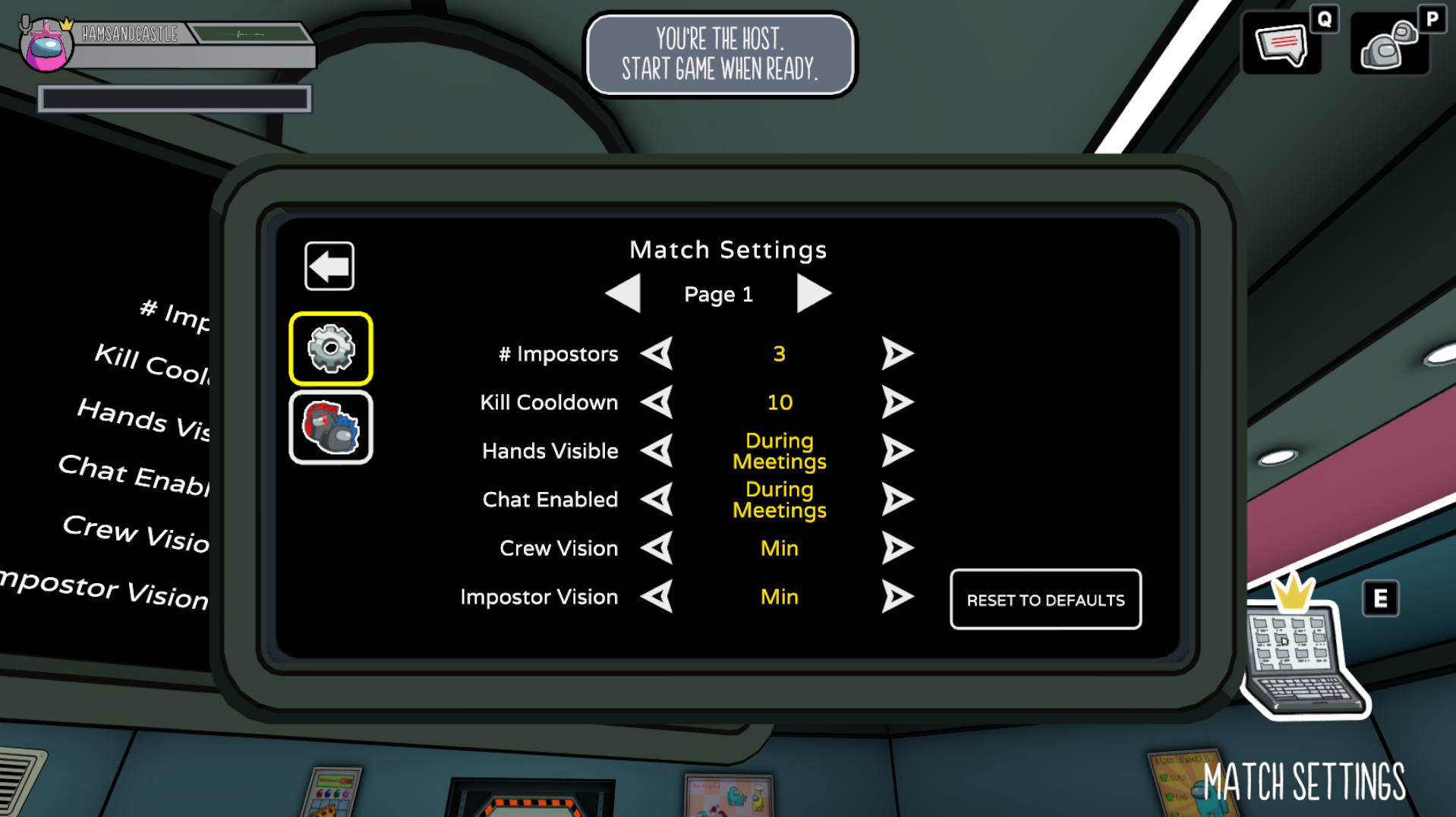
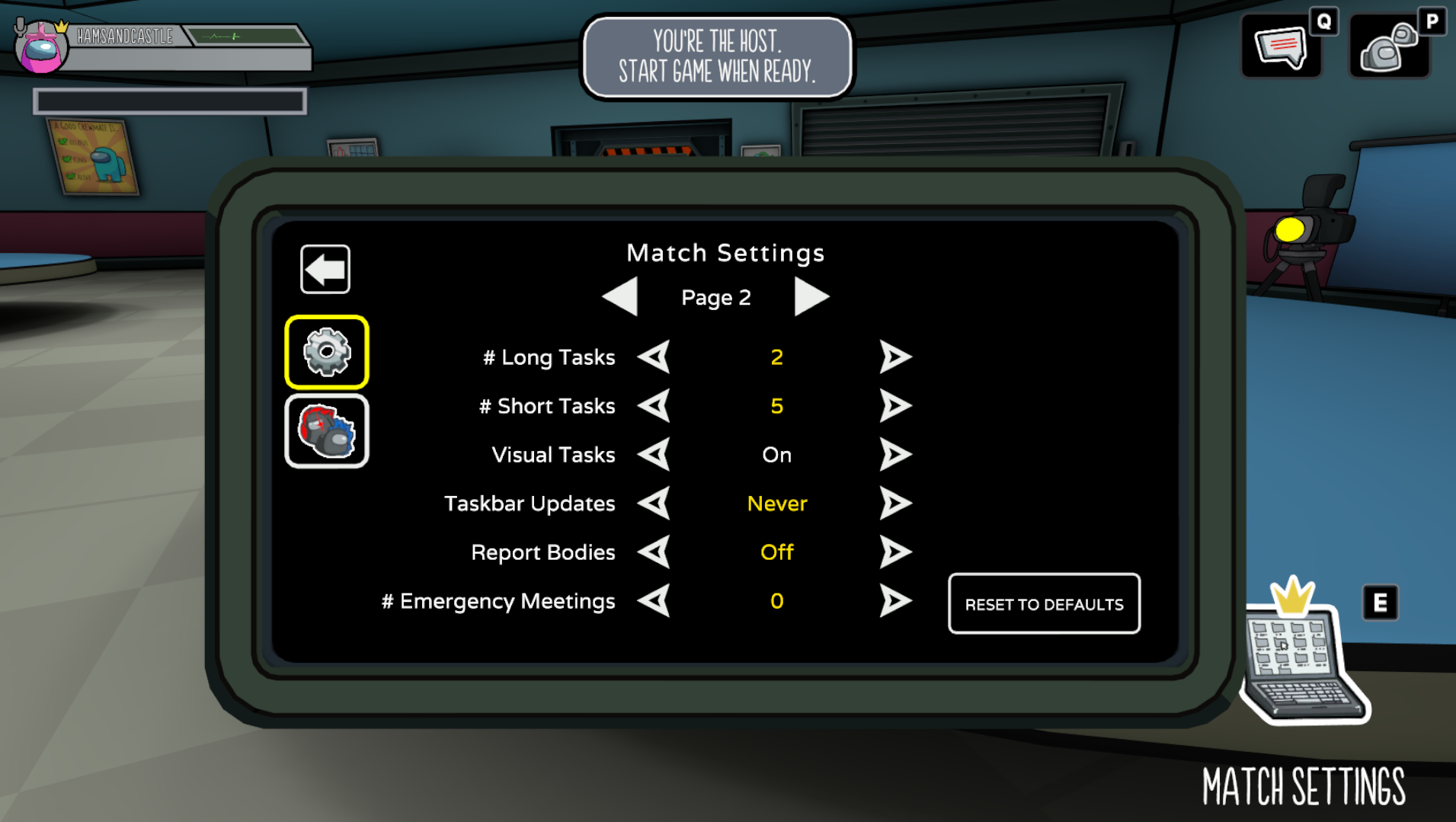
Before your match begins, press E or click the Settings button next to your Wardrobe window to alter the match settings
Play around with:
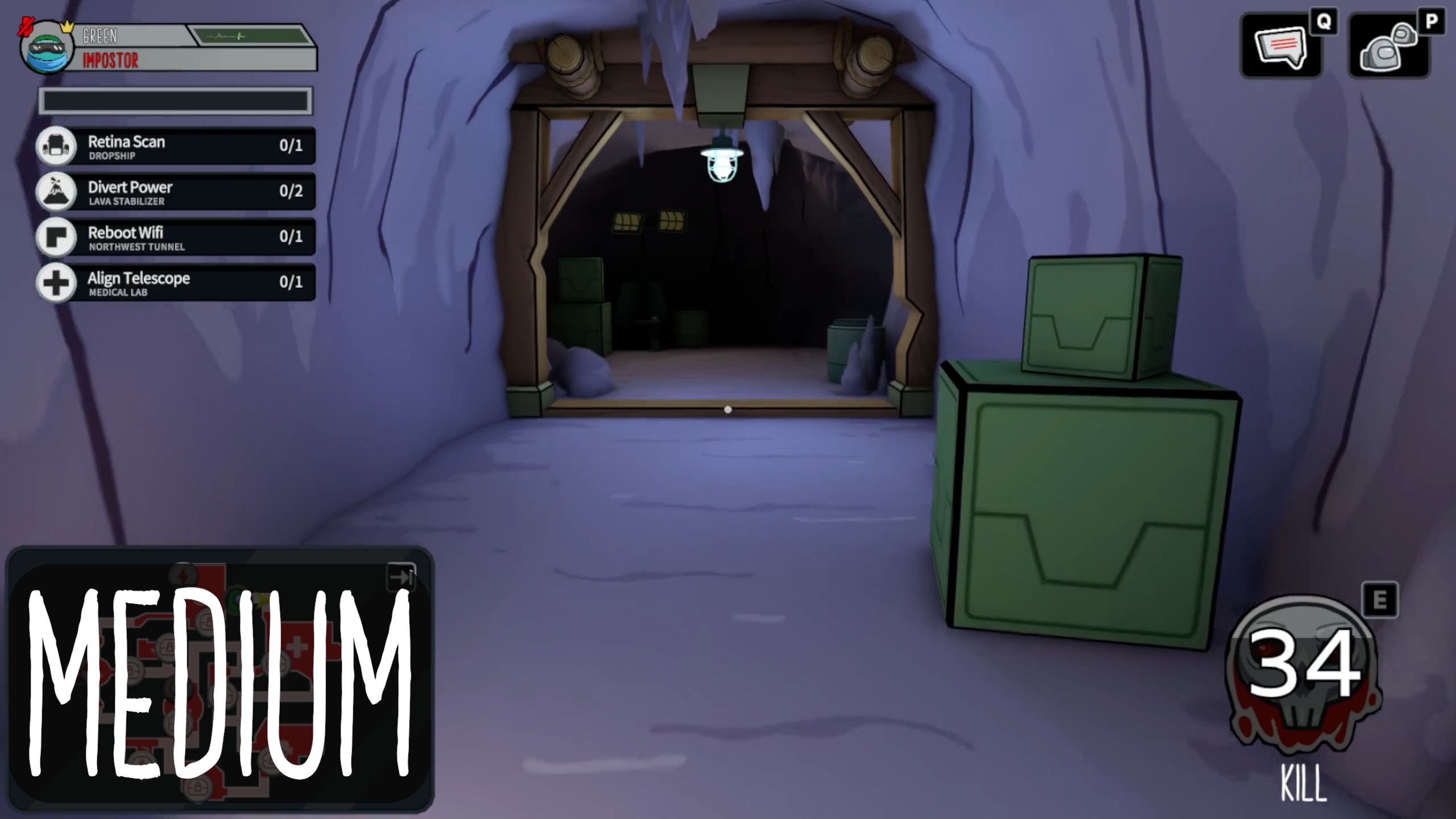
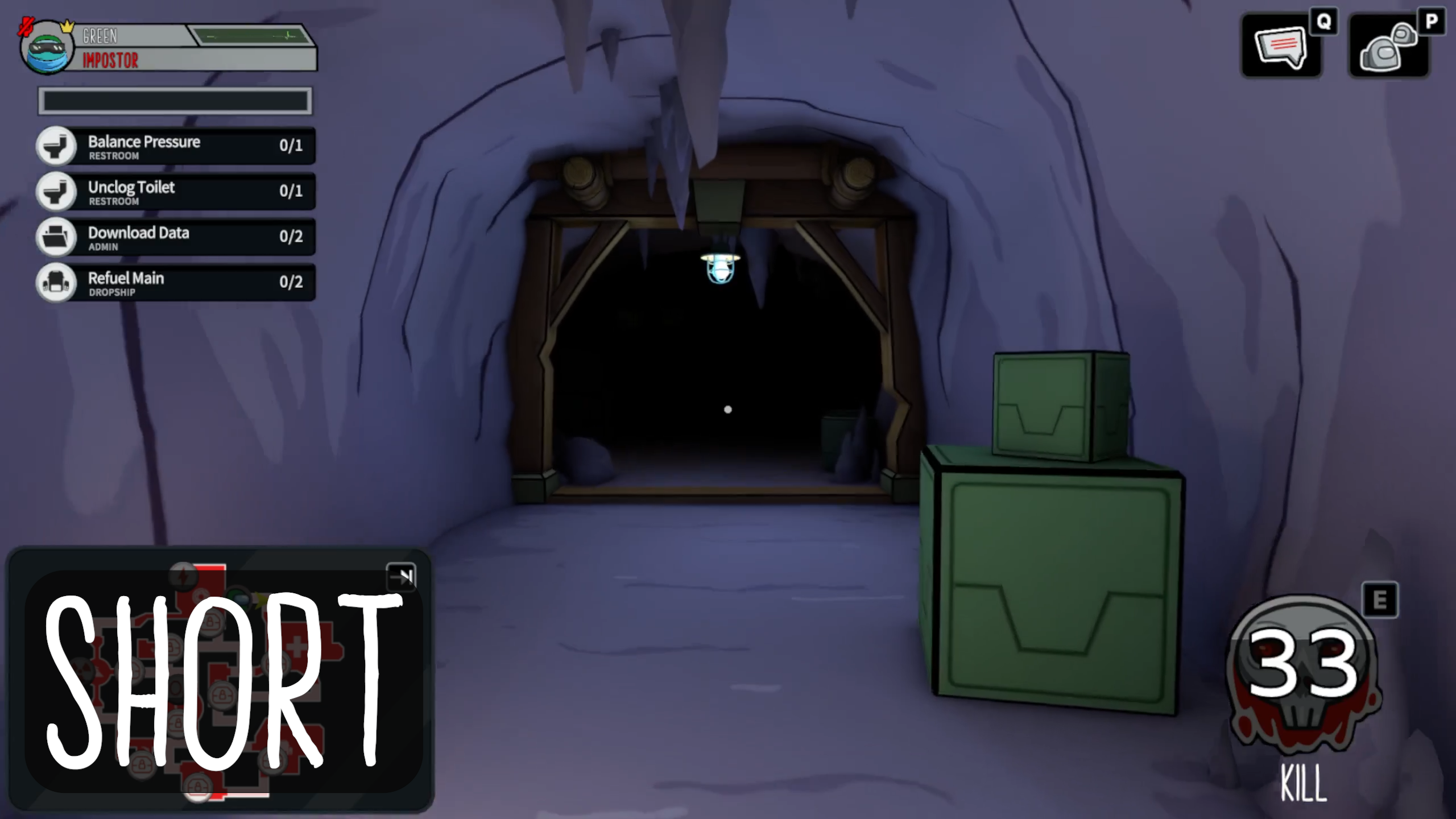
Vision radius. Make it harder for Impostors to see Crewmates (also great for playing hide and seek) or make the game scarier for Crewmates
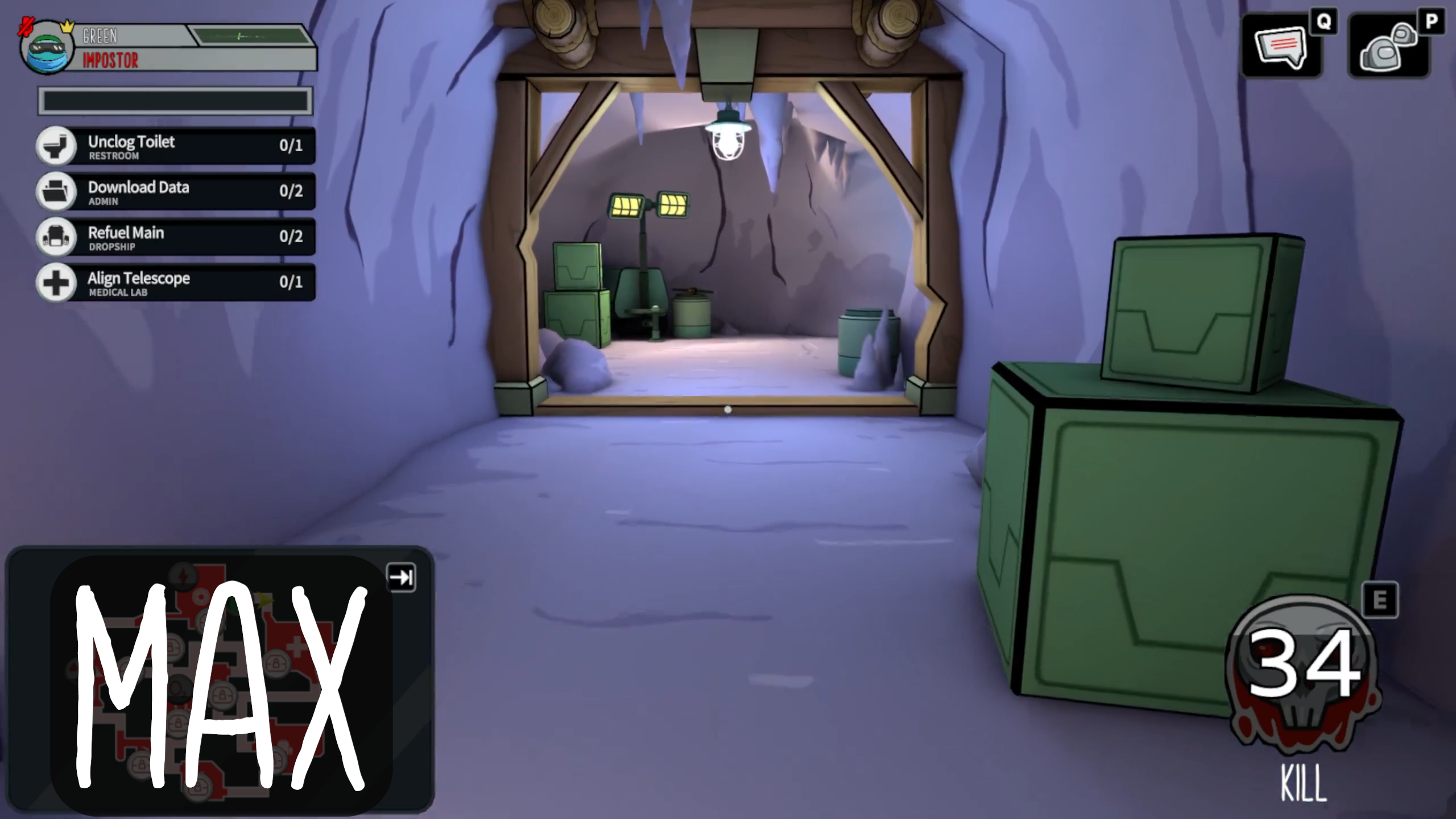
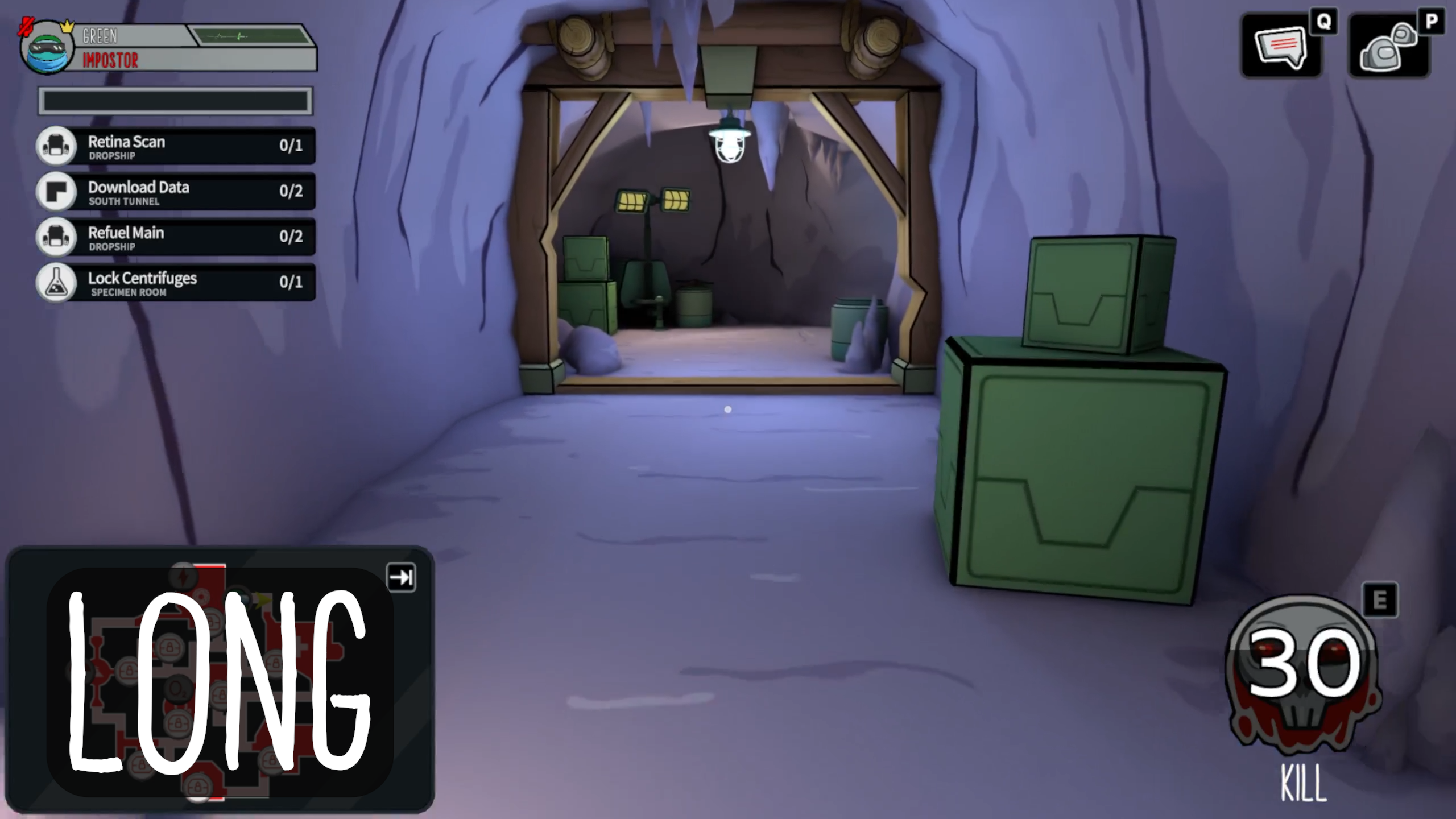
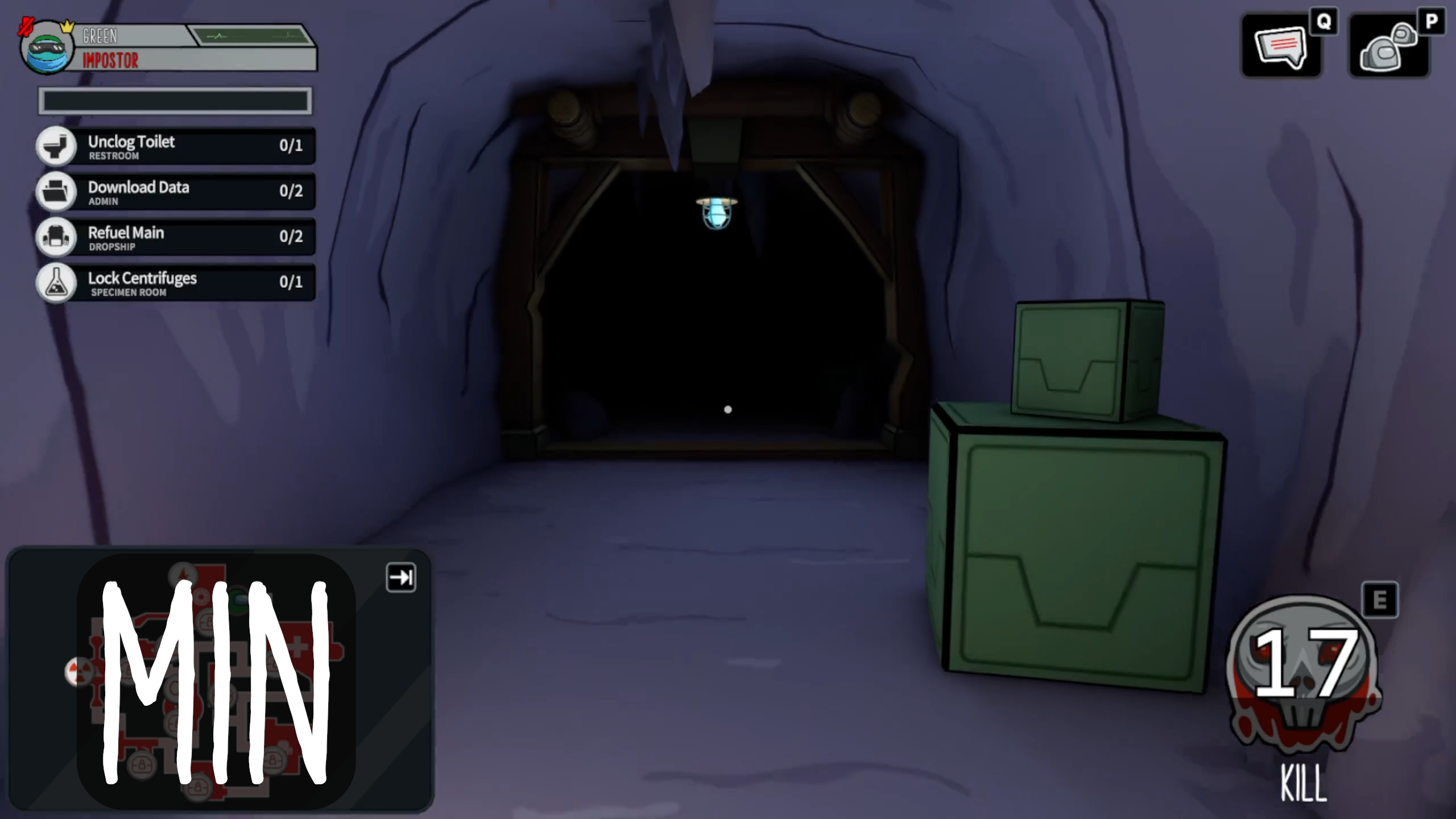
Kill Cooldown. Make Impostors deadlier than ever, or slow them down to focus on winning via deception and sabotage
Ability Cooldown. Let Engineers vent freely and Vigilantes rack up a body count. Or make their abilities scarce.
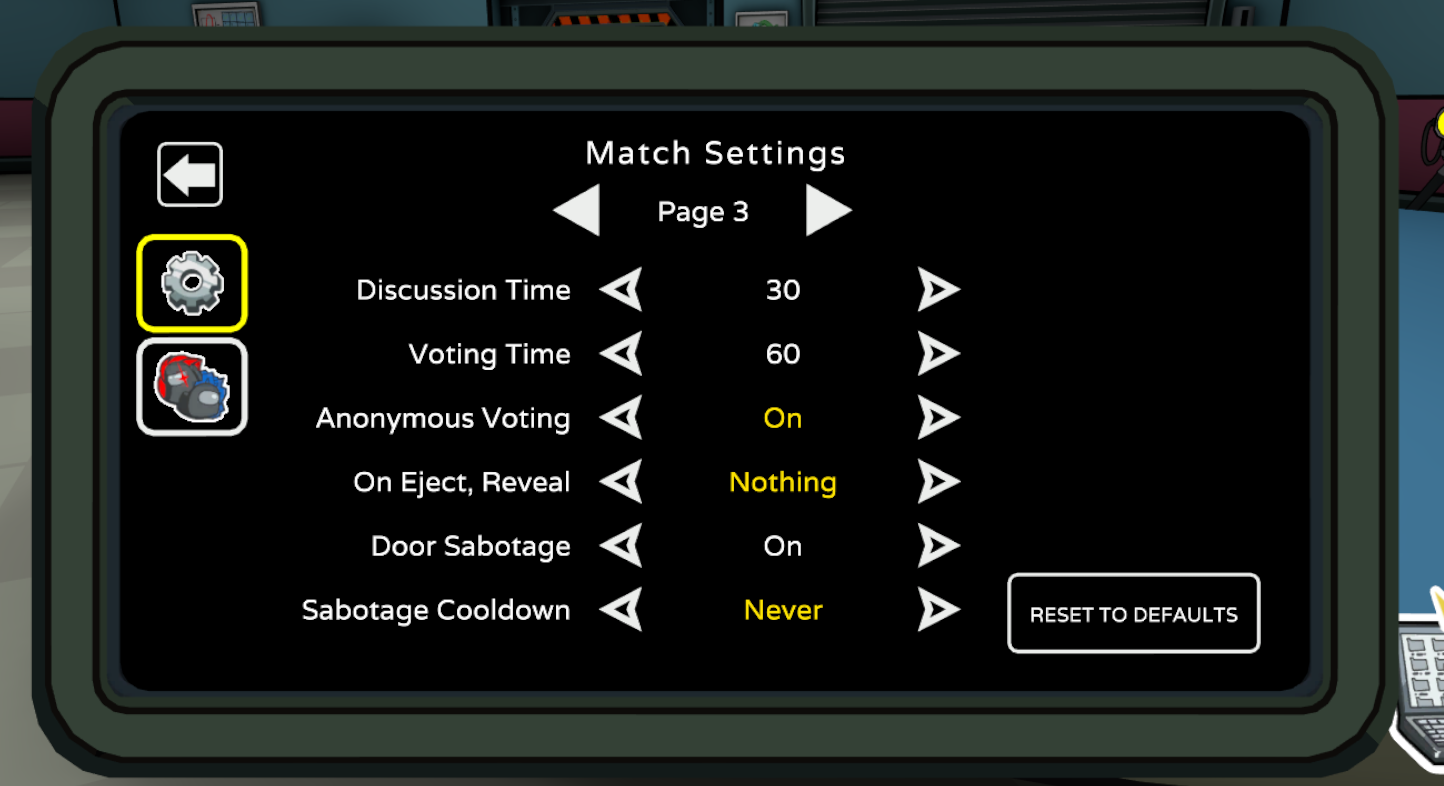
Voting. Shorten the time of emergency meetings to add to the chaos, hide the role of who was ejected to keep everyone on edge, and mask who voted for who to keep the accusations flying.
Tasks. Bog down the Crewmates in tasks so Impostors can bide their time and only strike at the perfect opportunity. Or turn off taskbar updates to keep the game end a mystery.
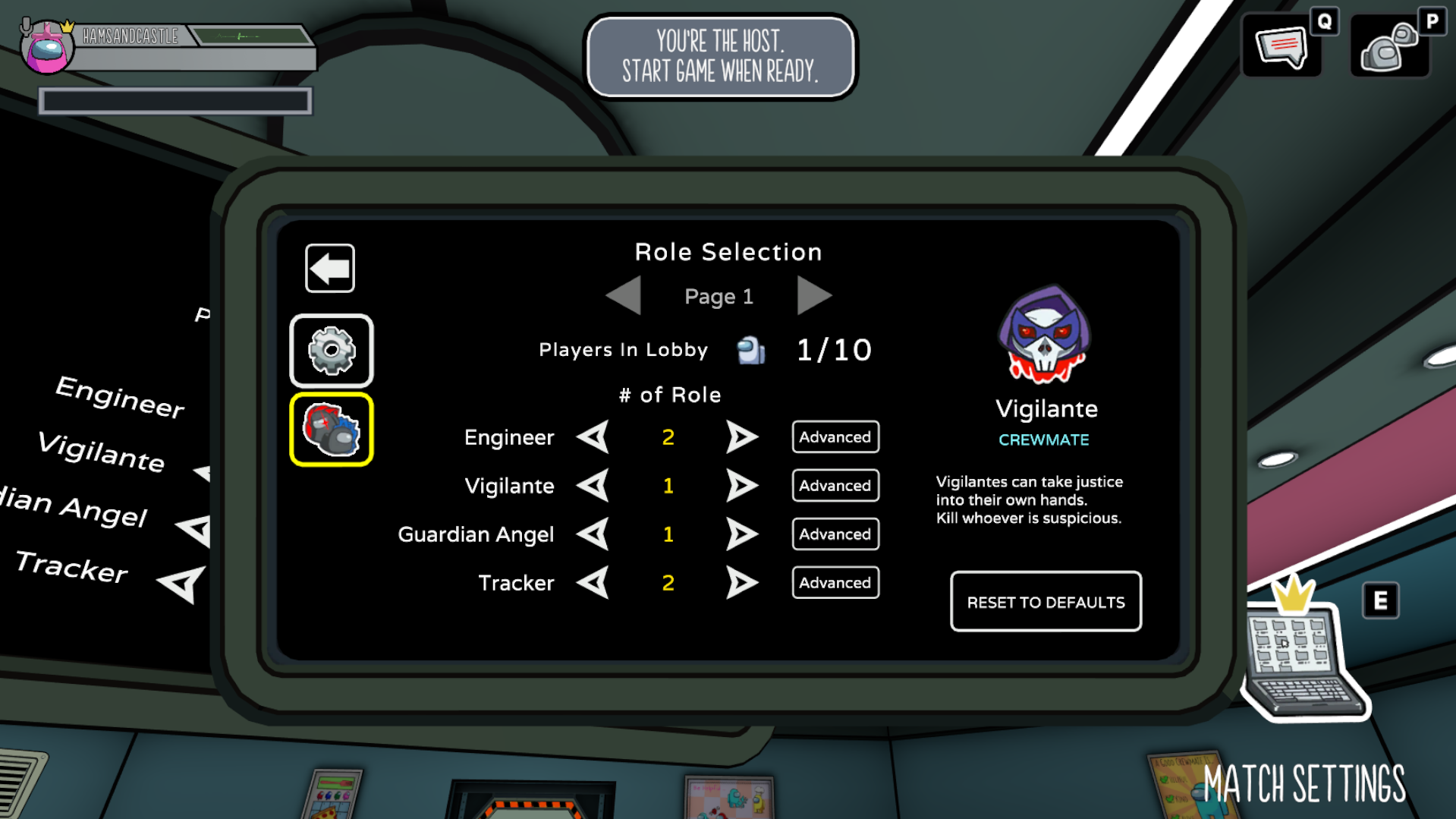
On the Roles panel, set how many you want of each custom role, including:
Engineer
Impostor
Guardian Angel (New!)
Vigilante (Now available permanently)
Tracker (Coming soon to stay)
This article from Schell Games provides a comprehensive guide to the "101 Custom Lobby Settings" update for Among Us VR, offering players and community moderators a deep dive into the expanded customization suite. The content is designed for dedicated players, tournament organizers, and social groups who want to fine-tune the game's balance to suit specific playstyles. By explaining how to manipulate variables such as player speed, kill cooldowns, and task requirements, the post highlights the studio's commitment to player agency and the longevity of the social deduction experience.
The significance of this update lies in its move toward a "sandbox" approach to game balance. It matters because social deduction games rely heavily on the specific group dynamic; these custom settings allow players to adjust the difficulty of being an Impostor versus a Crewmate, ensuring that matches remain fair and engaging for both veterans and newcomers. The article argues that providing over a hundred tweakable options transforms Among Us VR from a static experience into a highly adaptable social platform. This level of granularity is essential for fostering a healthy competitive scene and allowing community-created "house rules" to thrive within the virtual environment.
Among Us 3D
Custom Lobby Settings
Game Balance Fine-Tuning
Player Agency in VR
Impostor vs. Crewmate Scaling
Community-Driven Gameplay
How many different settings can be adjusted in the Among Us VR 101 update?
As the name suggests, the update introduces a massive array of over 100 individual toggles and sliders, ranging from movement speed to complex task distributions.
Can I save my custom settings for future games?
Yes. The interface is designed to allow hosts to set their preferred parameters, making it easy to host recurring "house rule" nights without having to manually adjust every slider every time.
What are the most popular settings to change for a more difficult game?
Reducing "Crewmate Vision," increasing the number of tasks, and lengthening the "Kill Cooldown" are common ways to shift the balance and increase tension during a match.