Navigated to Innovators Point Covers Pittsburgh Zoo & Aquarium App
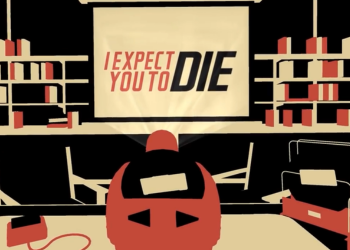
Making Great VR: Six Lessons Learned From I Expect You To Die
By Jesse Schell
August 14, 2025 · insights
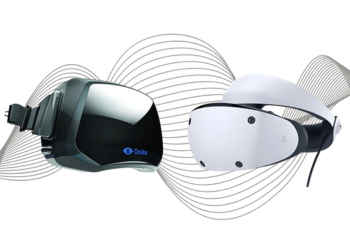
Keep the framerate up. Consider 72 fps your new absolute acceptable minimum. 90fps or more should be your goal (120 and 144 are the new high-end ideals). Yes, I know this is hard. Yes, I know that PC platforms are variable. I don’t care. Your head and eyes can move quite fast, and when you are much below these high frame rates, your brain starts to sense something is wrong. Some people disagree, insisting that the brain can’t even detect the differences between such high frame rates – that film has established that 24fps is plenty. If you feel this way, try this experiment. Go out under a fluorescent streetlight one night, and toss a ball in the air. The streetlight is pulsing at 50-60 times a second. If you just look at the light, it seems to be continuously on. But if you look at the ball, you can clearly see the individual light pulses. But you don’t even have to go outside. Pick up your PC mouse and shake it back and forth, and watch your cursor. Your screen is likely updating at 60 fps – and you can clearly see the discrete positions. The way the brain perceives motion is not simple or easy. In the new world of VR, frame rates below 60 fps are no longer feasible.
Avoid virtual camera movement. I know. You want to make a first person shooter, you want to make a racing game, you want to have a dogfight in space. All of these seem to require a virtual camera that whizzes all over the place while the real camera (the player’s eye) stays still. Well, guess what? Any time you create a disconnect between the eye and those little hairs in the inner ear, your player will become nauseated. So, yes, that means a lot of kinds of gameplay are off the table. Keep in mind, though, that for everything that VR takes away, it gives something new that couldn’t be done before. Being able to move your head and body through an environment, even for a short distance, is an incredible experience, as is manipulating virtual objects with your real hands. It requires some creativity to design within the bounds of the VR box, but if you are willing to do it, you can create powerful experiences that have just about zero motion sickness.
If you must move the camera, don’t accelerate. Funny thing about those little hairs in your ears – they can only detect acceleration, not velocity. They can’t tell the difference between zipping down the highway at 80 miles per hour, and sitting perfectly still. What they notice is speeding up and slowing down. When I coded up the locomotion system for Aladdin’s Magic Carpet VR Adventure at DisneyQuest, I took advantage of this fact by making the motion of the carpet be as linear as possible. Some amount of acceleration was necessary, though, and as a result, some motion sickness was inevitable. It was very limited, however, because the experience is on a five-minute timer, and most people can endure five minutes of mild virtual motion without much discomfort. For home play, however, five minutes is generally not an acceptable duration. Our initial I Expect You To Die prototype, for example, generally engages first-time players for twenty to thirty minutes or longer. Accordingly, the only virtual motion we have involves driving your car out of the plane, which only happens at the culmination of the experience, and is linear motion lasting only a few seconds.
And whatever you do, keep the horizon level. Certain kinds of motion, virtual or real, are shortcuts to trigger your motion sickness alarm circuit. Rolling the camera in a “barrel roll” style, so that the horizon does cartwheels in front of the player’s eyes is the quickest shortcut to puketown. So – don’t do that. The canals in your inner ear that control all this are circular, and very good at detecting rotation, so generally, you should avoid virtual rotation of any kind. Part of what makes VR unique is that it lets players really turn around – for real! Use real rotation to let players look around an environment, and avoid virtual rotation whenever possible.
First person virtual motion
Screen-relative HUD interfaces
Variable frame-rate
Making you feel like you are really in a place
Letting you touch and manipulate objects
Face-to-face confrontations
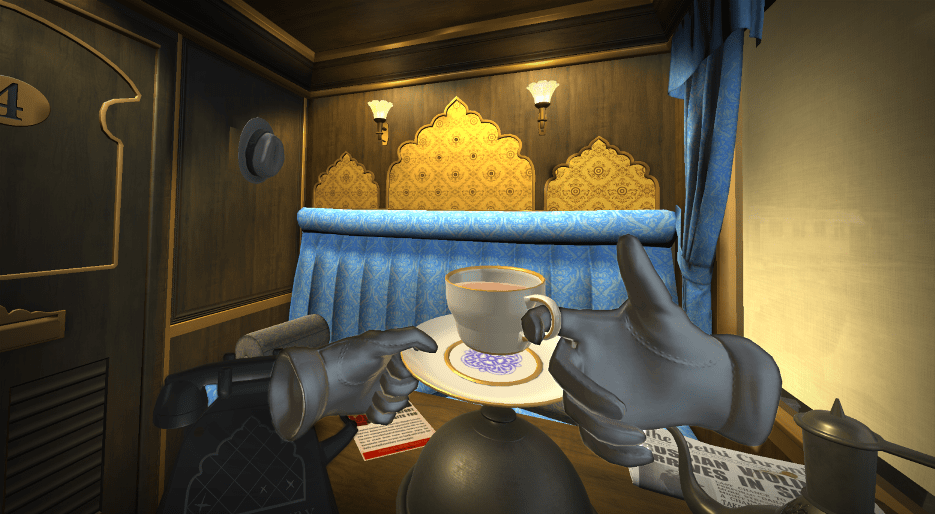
I’ve seen colleagues absent-mindedly try to lean on virtual tables, only to be startled to remember that they aren’t real.
Jesse Schell
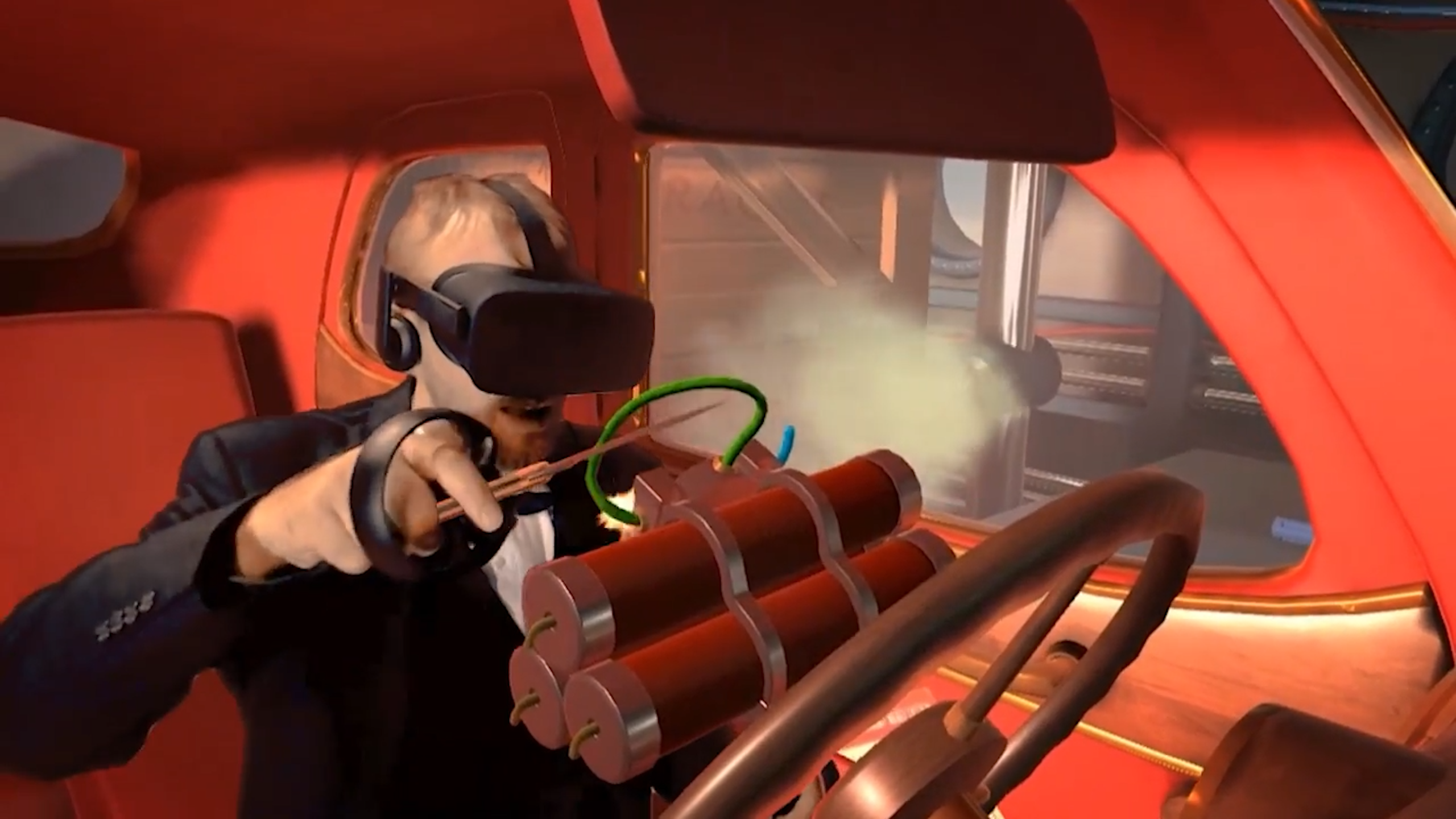
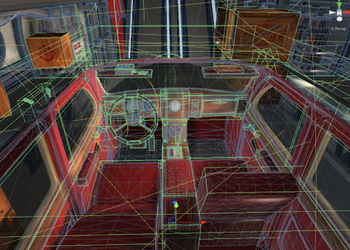
Shallow object interactions. In a traditional adventure game, objects are often uni-taskers: screwdrivers are for unscrewing and nothing else. Knives are for cutting and nothing else. It is a sort of “key and lock” mentality. But when the phenomenon of immersion takes over, and your body thinks the virtual world is real, a great deal more detail is expected. One puzzle in I Expect You To Die involves unscrewing a panel from the car’s console. We placed screwdrivers within sight, which we fully expected players to use for this purpose. However, we found many players tried to unscrew the panel using a pocketknife they found in a glovebox. Since they would use a knife this way in the real world, it seemed perfectly natural to try using it as a screwdriver. Initially, this simply failed, and it was a real immersion breaker. Allowing players to unscrew the panel with a knife would require us to radically change our puzzle structure, so ultimately we added a dialog line from our narrator: “I’ve seen you do many creative things with a knife, but I don’t think turning screws will be among them.” This is kind of a cop out, but at least it acknowledges the player’s attempt, and asks them to move on to something else. Other interactions we handled better: shooting the champagne bottle with the gun shatters it, and the broken glass can be used to cut things. Lighting the money on fire with the lighter causes it to burn. Players love using objects on other objects – if you can handle these interactions realistically, you will delight them. If you don’t, you’ll remind them this is “just a game”, and break their immersion. You are wiser to create a small game with rich object interactions than a big game with weak ones.
Unrealistic audio. If I pick up a virtual coin and hold it in my hand, turning it over to look at front and back, I might be really immersed in what I’m doing if it looks realistic. But if I then drop it, and it makes no sound, I’ll be reminded that the world is fake, and my immersion is destroyed. If instead, it makes realistic “ping” and “ching” noises as it bounces around on the cobblestone street, my immersion will be maintained. Whatever amount of sound design and integration you normally do on a game, expect to double it for a VR experience, because so much more detailed sound design is required to make interactions with objects seem realistic.
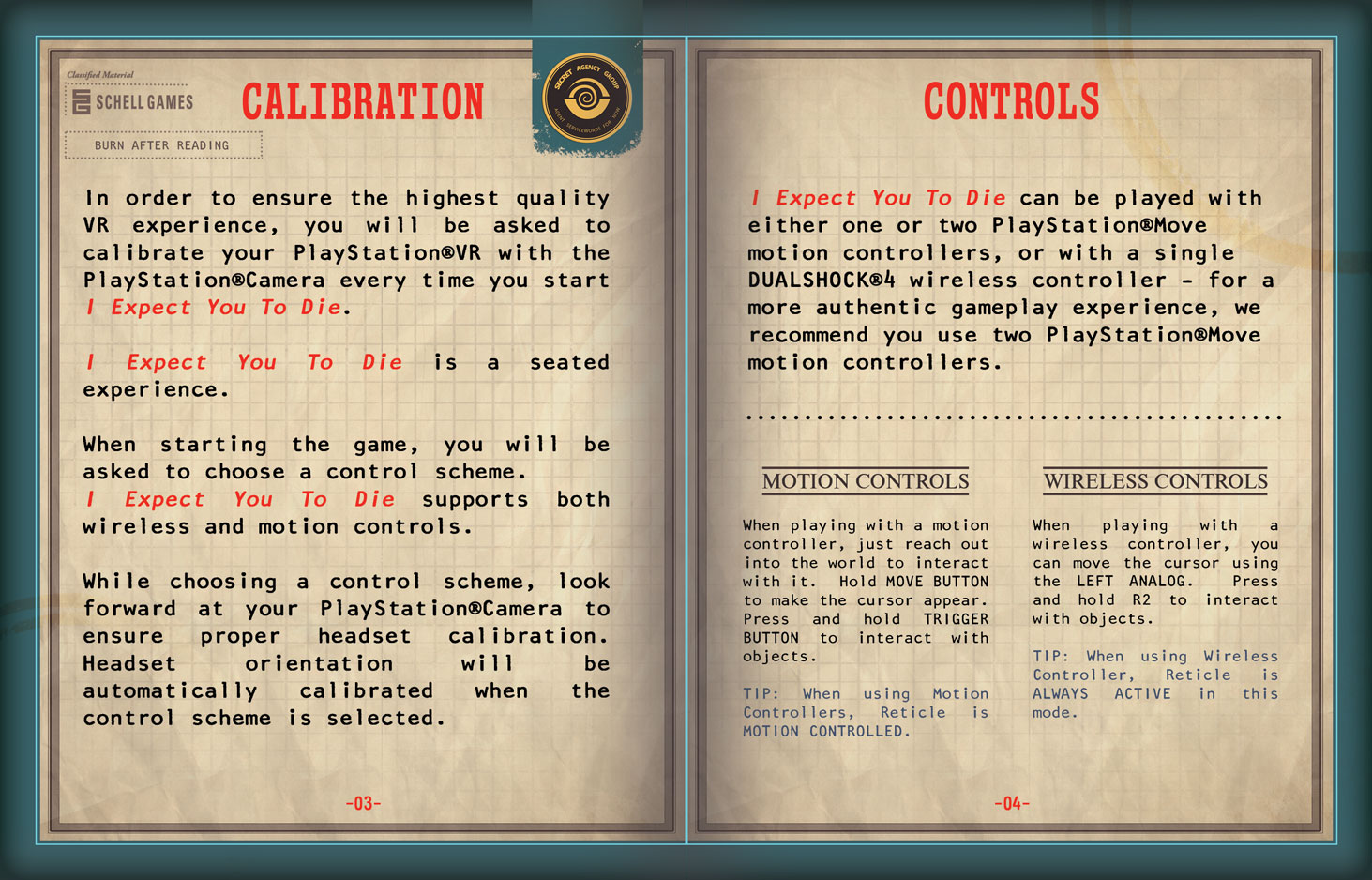
Proprioceptive disconnect. “Proprioception” is your sense of how your body is positioned; your awareness that you are sitting or standing, for example, or that one foot is crossed over the other. In a normal videogame, our proprioceptive sense is irrelevant to the game. In VR, it is a key part of our immersion. If you are seated while playing a VR game that involves your character walking about a room, your body perceives it as fake, and immersion is broken. In I Expect You To Die, we designed the game for seated players, and so we developed scenarios (sitting at a desk, sitting in a car) that involve being seated, which maintains immersion. Other types of proprioceptive disconnects involve objects penetrating the player’s body – walking through a table, for example. Players do not like having their bodies penetrated by virtual objects. It feels disconcerting at first, as your mind and body struggle in subconscious fear, but soon it simply breaks immersion. The fastest way to bring about a proprioceptive disconnect is to give players virtual bodies that they can see. If visual sense of your body differs from your proprioceptive sense (those fake hands or feet aren’t positioned where your real ones are) your mind quickly rejects the reality as fake. Much better to show no body (your brain doesn’t mind this much, for some reason) than a body slightly out of place. Consider this the “uncanny valley” of VR avatars.
Highlighting interface limitations. Our interfaces for interacting with the world are necessarily limited. Some actions (picking up and dropping an item) can feel reasonably realistic with even a limited interface. Others (pulling a trigger on a virtual gun by clicking the mouse) are not exactly realistic, but easily accepted by the brain. But still others can be frustrating or impossible. We tried to make interfaces for using a screwdriver in our game that involved moving the mouse in a circular motion, hoping that this would “map” to the somewhat unique way we twist our hands when using a screwdriver. This was a brain-mapping fail. Players found it frustrating and unrealistic, and their immersion was shattered. In later versions, we changed the game so that simply holding the screwdriver up to the screw caused it to automatically unscrew and come out. This was just as unrealistic, but not frustrating at all, because the “unscrewing” motion is something most of us have trained our hands do to somewhat automatically - that is, we don’t have to think in much detail about how we move our hands when we do it, and as a result, immersion is maintained.
This article from Schell Games, written by CEO Jesse Schell, outlines fundamental design principles for creating successful virtual reality experiences, drawing from the development of the critically acclaimed I Expect You To Die. The content is primarily for game developers, UI/UX designers, and VR researchers who aim to maximize immersion while minimizing user discomfort. By synthesizing years of prototyping into six actionable "lessons," the post provides a technical roadmap for handling the unique physiological and psychological challenges of the medium, such as motion sickness and proprioception.
The significance of this post lies in its focus on the "Rules of VR" that differ from traditional flat-screen gaming. It matters because early VR development was often plagued by experimental failures that led to user nausea; Jesse Schell’s insights help establish industry standards for frame rates, camera movement, and tactile interaction. The article argues that "less is more" in VR—suggesting that a smaller, more interactive environment is superior to a large, poorly detailed one. By adhering to these lessons, developers can create "comfortable" immersion that allows players to stay in the virtual world longer and engage more deeply with the narrative.